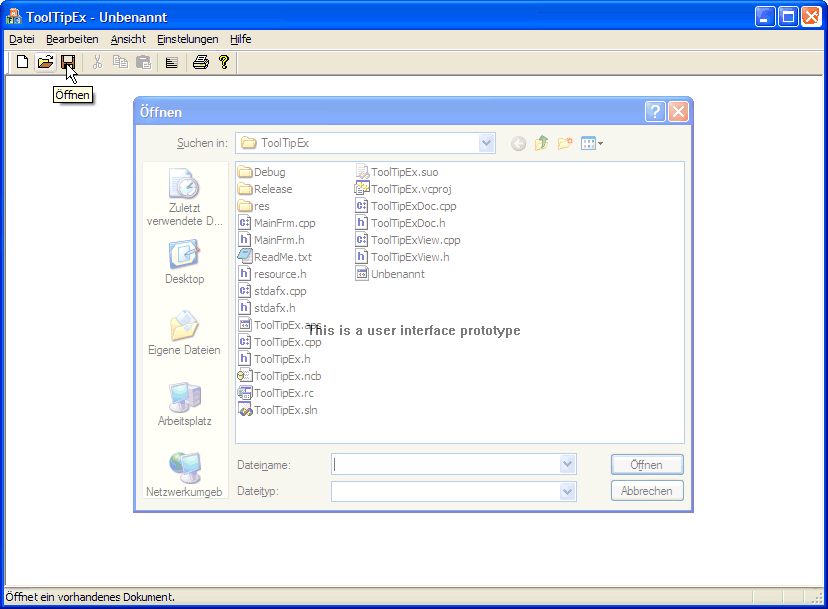
Ordinary tool tips show a help text if the mouse cursor stays over a toolbar button. The WYSIWYG tool tips show a translucent preview of the dialog to appear, when clicking the button. A prototype was build for demonstration purpose.
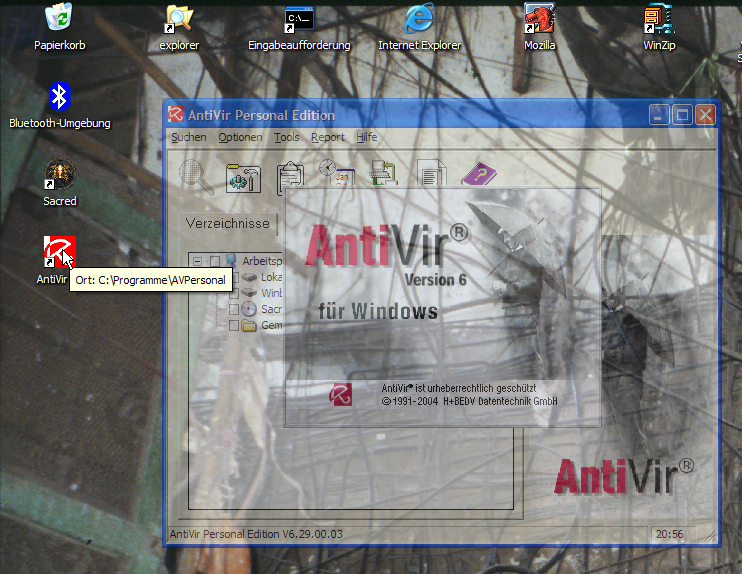
On Windows platforms also the icons on the desktop display tool tips, which should be called icon tips. Within the concept of WYSIWYG tool tips a translucent preview of the application should appear on the screen, exactly how the application will look like when double-clicking the icon. Also for this case a prototype was build.